
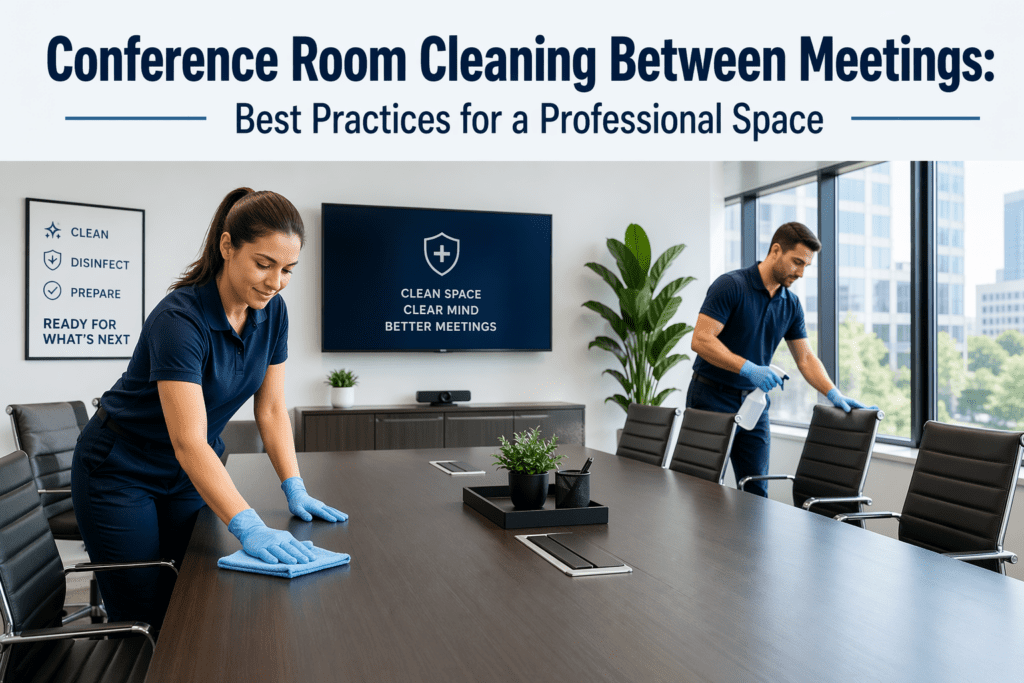
Conference Room Cleaning Between Meetings: Best Practices for a Professional Space
A clean conference room is essential for maintaining a professional image and creating an inviting atmosphere for important meetings. Whether it’s a client presentation, team brainstorming session, or a leadership meeting, the state of your conference room can significantly influence the success of the interaction. In this post, we’ll share practical cleaning tips and best practices for maintaining a spotless conference room between meetings so that it’s always ready for the next event.
Why Conference Room Cleaning Matters Between Meetings
Conference rooms are high-traffic areas, often used for multiple purposes throughout the day. With people coming and going, eating snacks, and working with technology, it’s easy for these spaces to become disorganized and dirty quickly. Regular cleaning between meetings helps maintain a professional, clean appearance and ensures that the room remains welcoming for the next group.
Key reasons for conference room cleaning include:
- Impressions matter: A clean space shows professionalism and respect for guests.
- Hygiene and health: Keeping surfaces disinfected helps prevent the spread of germs and bacteria.
- Functionality: Ensures that furniture, technology, and equipment are ready for use.
Conference Room Cleaning Tasks to Perform Between Meetings
Cleaning between meetings doesn’t need to be a lengthy process, but it should address the key areas that get used the most. Here are some of the essential cleaning tasks:
1. Wipe Down Surfaces
Conference tables, desks, and other high-touch surfaces are magnets for fingerprints, food crumbs, and spilled drinks. Wipe down all surfaces using a disinfectant wipe or an all-purpose cleaner to keep them clean and germ-free.
- Tip: Use microfiber cloths to avoid leaving streaks or residue.
2. Disinfect High-Touch Areas
High-touch areas, such as doorknobs, light switches, remote controls, and chairs, need to be disinfected between meetings. These areas are touched by many people throughout the day and can easily harbor germs.
- Tip: Use a disinfecting wipe or spray that is safe for your furniture and electronics.
3. Clean the Chairs and Seating Area
Chairs can accumulate dust, crumbs, and stains, especially if snacks or drinks have been consumed during a meeting. Wipe down chair backs and arms with a damp cloth. For fabric chairs, use a vacuum with an upholstery attachment to remove crumbs and debris.
- Tip: For leather or vinyl chairs, use a gentle cleaner that won’t damage the material.
4. Tidy Up the Floor
Even if the floor looks clean, small debris, dust, and crumbs can accumulate around the edges of the room or under furniture. Use a broom or vacuum to quickly clean the floor, paying attention to corners and under the table.
- Tip: If your conference room has carpet, a quick pass with a vacuum is usually sufficient. For hard floors, a mop may be necessary.
5. Empty Trash and Refill Supplies
Make sure to empty the trash can after every meeting to avoid unpleasant odors. Also, check that the trash bin has a liner and replace it as needed. Refill any supplies such as markers, dry-erase boards, pens, and notepads.
- Tip: Keep extra trash bags and supplies in a nearby cabinet for easy access.
6. Clean Technology and Equipment
Conference rooms often have electronics like projectors, computers, and video conferencing equipment. Wipe down these devices carefully, ensuring they’re free from dust, fingerprints, and smudges. Make sure remote controls, microphones, and other small devices are clean and charged.
- Tip: Use screen-safe wipes for monitors and projectors to avoid damaging the equipment.
7. Freshen the Air
Odors can accumulate in a conference room, especially after food is consumed. Open windows briefly for ventilation if possible. You can also use an air freshener or an essential oil diffuser to keep the space smelling fresh.
- Tip: Consider using a natural air freshener with a light scent that won’t overpower the room.
How Often Should Conference Rooms Be Cleaned Between Meetings?
While quick cleaning between meetings is essential, deeper cleanings should also be scheduled regularly. Here’s a quick guide:
- Between Meetings: Perform a light cleaning, focusing on high-touch areas and visible messes.
- Daily: Conduct a more thorough cleaning if the conference room is used frequently.
- Weekly: Do a deep clean of the conference room, including sanitizing upholstery, deep-cleaning floors, and checking all technology equipment.
Why a Clean Conference Room Improves Productivity and Impressions
A clean conference room is not only more pleasant to work in, but it also helps set the tone for productive meetings. When guests walk into a well-maintained space, they feel more comfortable and confident in the professionalism of your business.
- Boosts morale: A clean environment encourages employees to focus on the task at hand rather than being distracted by clutter or dirt.
- Enhances productivity: A clean and organized space helps minimize distractions, making it easier for teams to collaborate and make decisions.
- Creates a lasting impression: Whether it’s a client, investor, or potential business partner, leaving a clean and welcoming impression can make all the difference in fostering trust and relationships.
Conclusion
Keeping your conference room clean between meetings is an easy yet effective way to ensure your office always presents a professional and hygienic environment. A quick cleaning routine not only helps maintain the functionality of your space but also leaves a positive impression on clients, guests, and employees alike. By incorporating these cleaning practices into your office routine, you’ll be ready for any meeting that comes your way.
Need Help with Conference Room Cleaning?
If you’re looking to maintain a pristine conference room without the hassle, Snip Clean offers professional cleaning services to keep your meeting spaces spotless and sanitized. Contact us today for a customized cleaning plan and let us handle the details so you can focus on what matters most—your meetings.